¶ TOOCAA NOVA Offline Creation Guide
¶ Procedure
¶ 1. Select Offline Mode
Select Offline Mode.

¶ 2. Select the File
Select the Lucky Koi! file.

¶ 3. Place the Material and Close the Lid
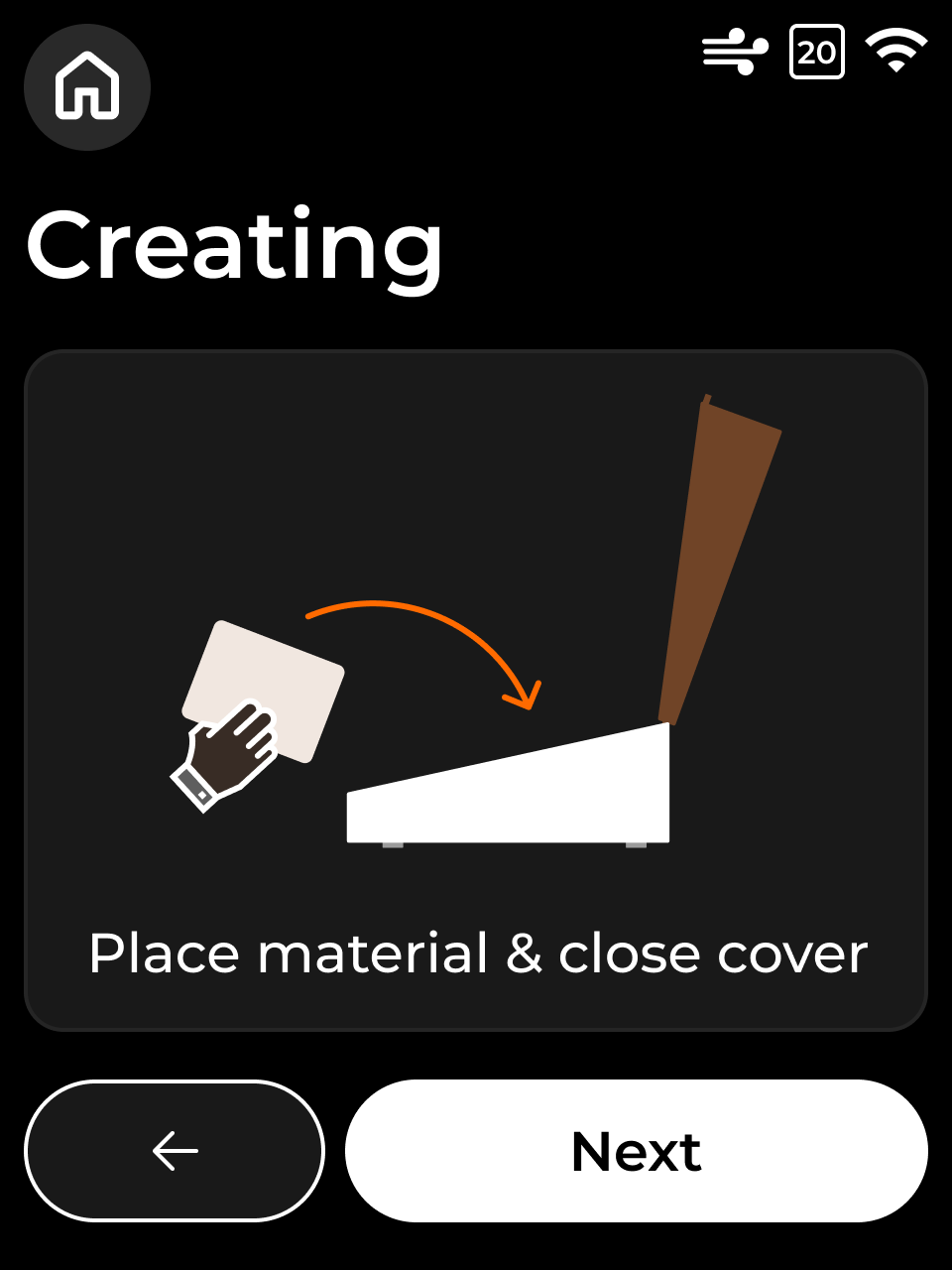
Place the 3 mm basswood board properly in the processing area, close the cover, and then clic Next
¶ 4. Run Framing
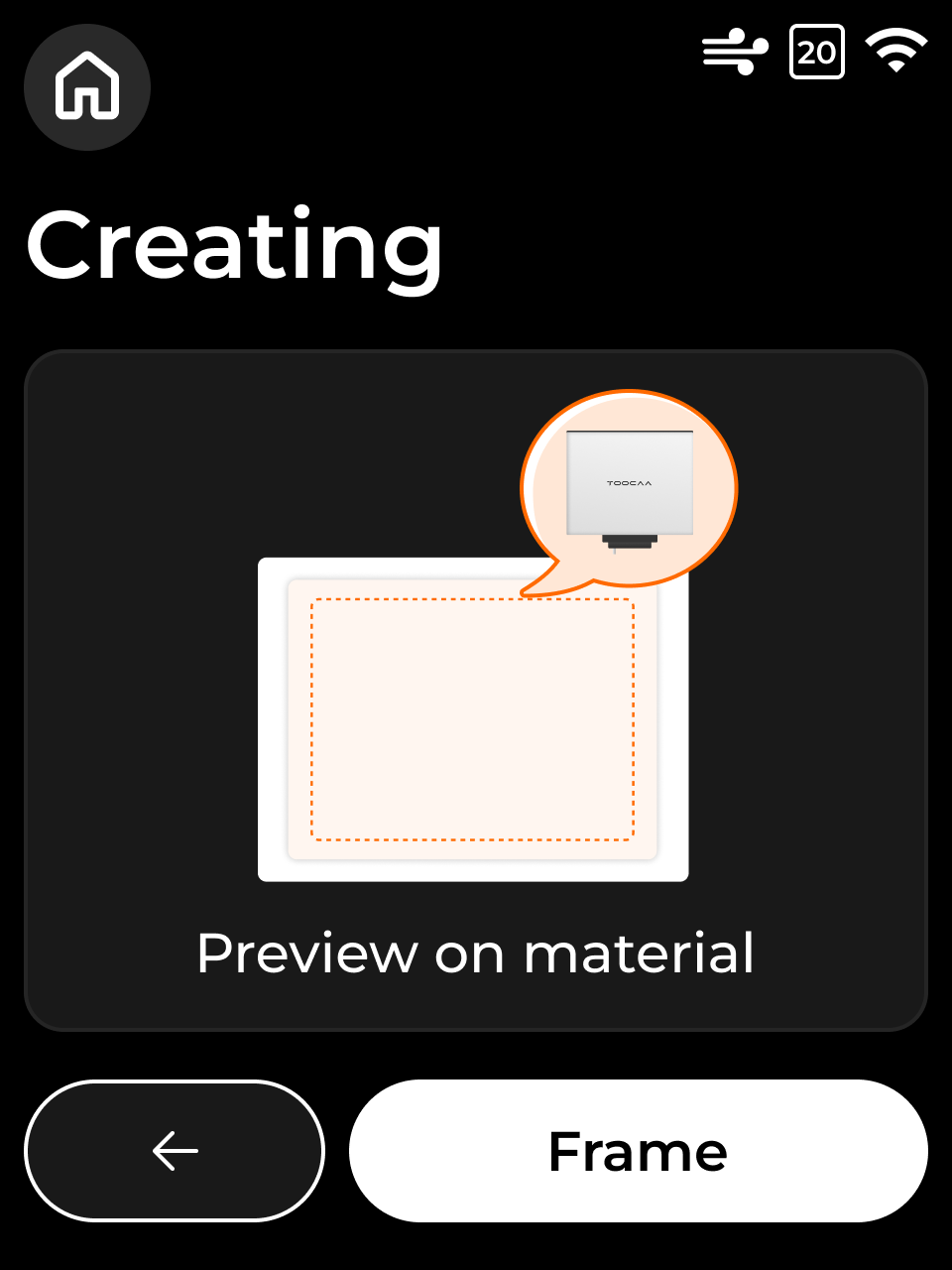
Click Frame.(Do not open the cover while framing.)

¶ 5. Confirm Framing Is Complete
Next After framing is complete, click Next.

¶ 6. Run Auto Focus
Click Auto Focus.(Do not open the cover during focusing.)


¶ 7. Confirm Focusing Is Complete
7.Once focusing is complete, ensure the cover is closed and click Next.

¶ 8. Review and Start Processing
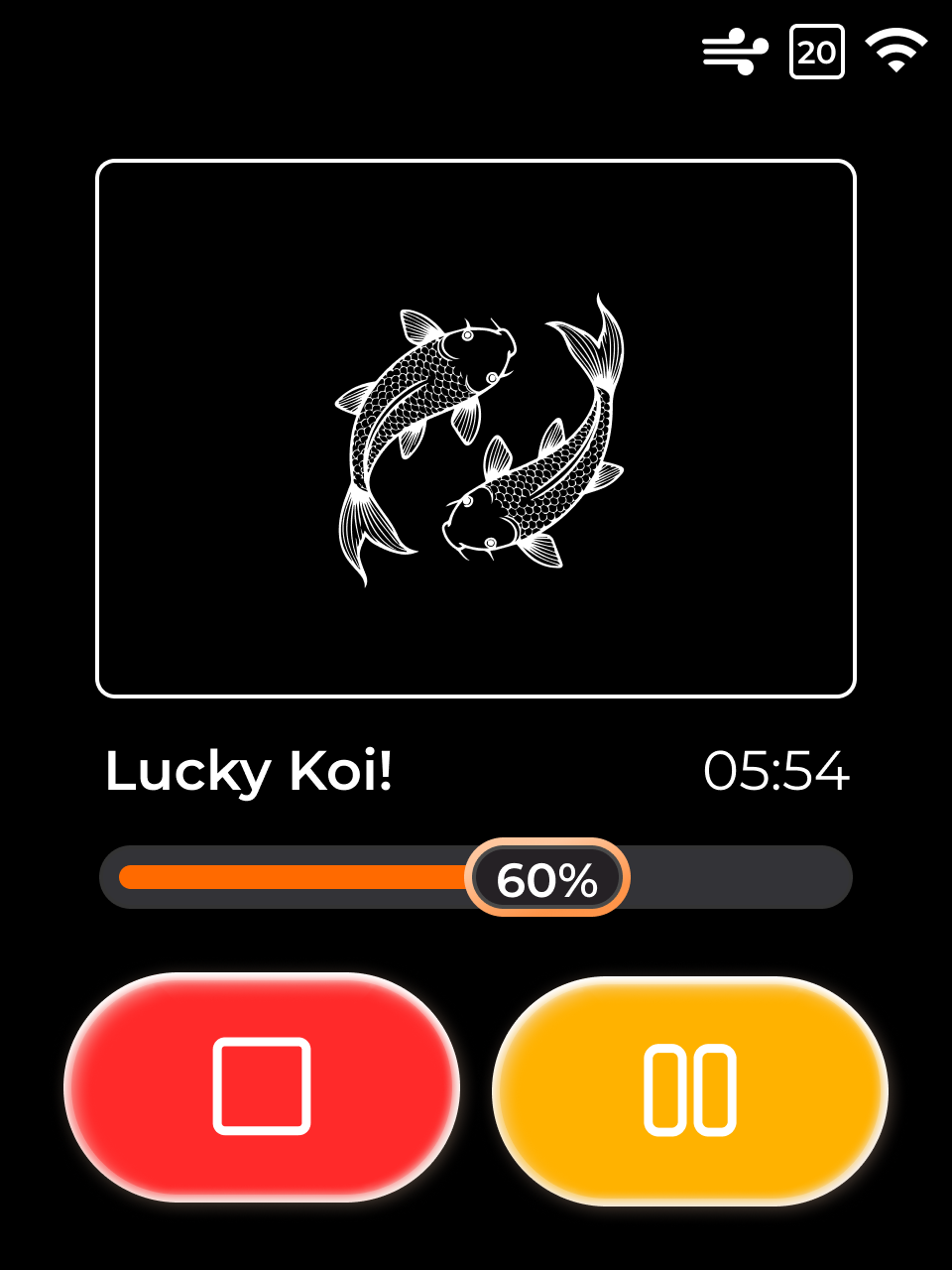
8.Review the processing content and estimated processing time. Once confirmed, press the green Start button to begin.
Tips: You can pause and resume freely during processing; however, clicking Stop will halt the current job and return to the home screen, requiring you to start processing again.

¶ 9. Wait for Processing to Complete
Once processing is complete, your first creation is finished.
Begin your creative journey and enjoy exploring your ideas!